



Total 2040 characters, estimated reading time: 6 minutes.
Why you should make regular backups of your website
WordPress建站我们除了需要做好WordPress网站SEO优化方面,其实还有一个更重要的事,任何网站都有可能会因多种原因而丢失损坏,被黑客攻击闯入破坏网站文件和数据库被篡改的相关数据等等,又或者更新的软件不兼容造成服务器故障,操作编程无意中删除内容导致网站异常等等,所以网站建设完成后,在运营过程中需要定期备份网站,保证无后顾之忧
To view, please open this page in an internet environment with access to YouTube.
A full graphic description is provided below and can be read on.
This post teaches you how to backup and restore your own as well as your company's WordPress website using the plugin Duplicator. Step by step by downloading and installing the Duplicator plugin, then creating a backup file, and finally restoring the complete process online in the new system environment, you can realize a seamless backup migration of the entire wordpress site. This process involves the creation of backup packages and save installer.php and archive.zip file, restore the new database, run installer.php in the new environment for the recovery of a series of processes. Process steps more complicated, but the operation is very simple. We can install this tutorial to teach you to achieve a site site backup.
如果是免费版请参考本教程上传的本地路径
/home1/jorboome/public_html/wp-content/backups-dup-pro/importsStep 1: Install and set up activation of the Duplicator plugin.
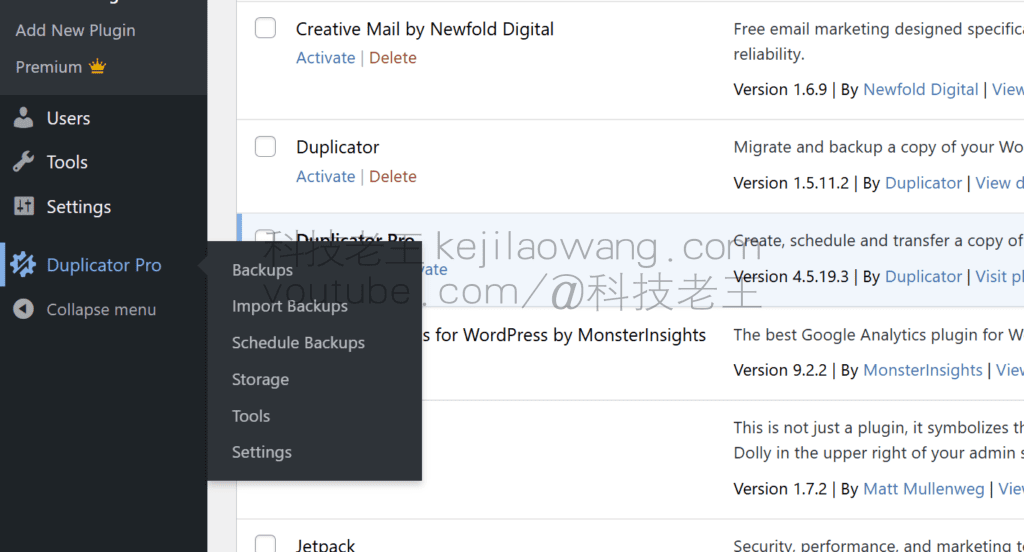
在WordPress本地站点的插件页面中,安装并启用Duplicator插件。


move 2: Create a backup file of your website
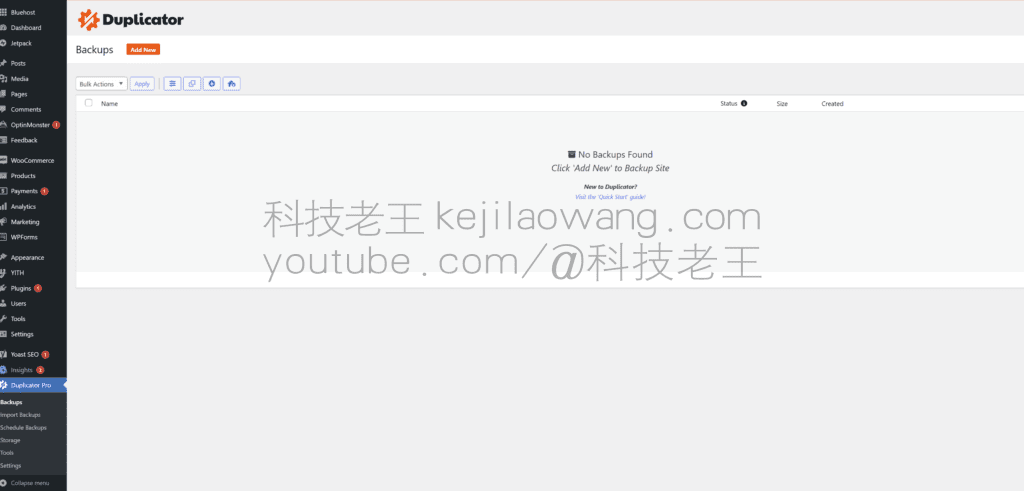
安装并激活Duplicator插件后,接下来的任务是打包创建整站备份,以便随时恢复网站。首先,进入Duplicator > Packages界面,点击“Create New”按钮开始创建备份。
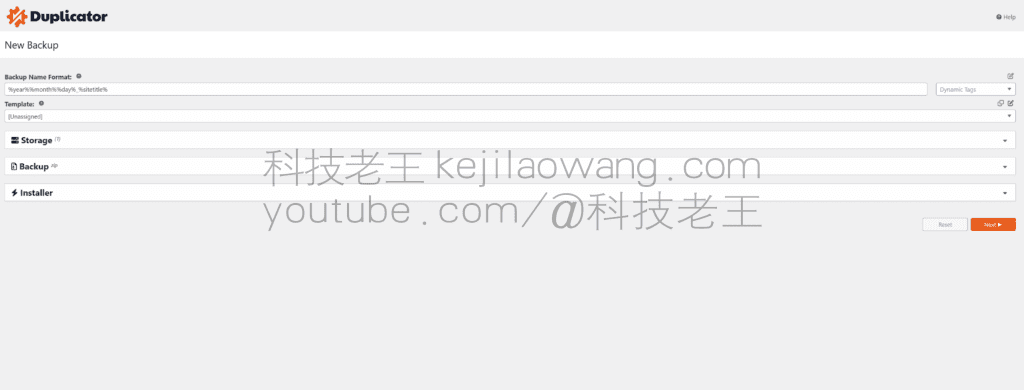
将恢复文件命名可保持默认,点击NEXTThe
确保Duplicator检查无误后,点击创建备份The

创建过程需根据网站内容及数据库大小而异,须保持标签页开启直至完成后方可下载ZIP存档文件与PHP安装文件。点击一键即可将两文件下载至本地。

Step 3: Resume migration
在新空白站点首先通过相同步骤安装Duplicator插件,打开恢复选项,选择“Import Backups”上传备份文件并等待完成。


Duplicator测试检查工作正常后,继续进行设置并点击下一步。输入前一步骤中创建的数据库详细信息,并点击test connection以验证信息的正确性和有效性。连接测试通过后,点击the next step。此处的备份和数据库信息设置均为默认,操作简便。

系统现要求您提供站点信息,如网址、标题等。迁移脚本将自动获取这些信息,无需您手动修改。点击the next step以继续设置。

在验证数据后,系统将默认选择“完全安装”,继续进行恢复流程的下一步,并确认站点信息后再进一步操作。


Wait for the automatic recovery of the site, the time depends on the size of your database, to confirm that there is no error throughout the Next next step
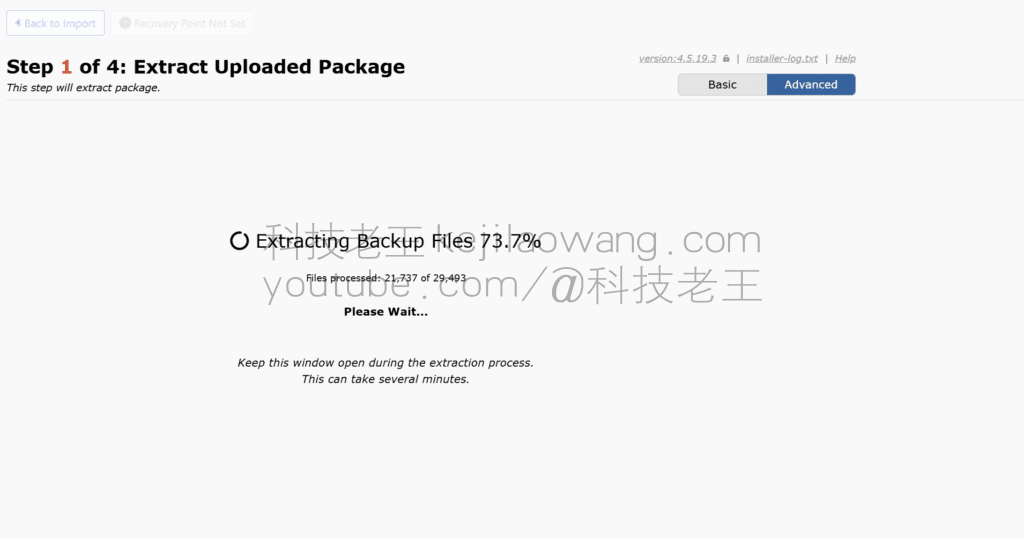


At this point you see Finished, then congratulations, the copy migration is complete and the success screen opens. Press the admin login button to enter the admin area, your wordpress site has been fully restored and is ready to go.

Click the login button according to the relevant information, congratulations you can login to your site, the site recovery is complete!

Duplicator-pro download link The extraction password is in theIn the video commentary





 Lan Xiaobo (1952-1997), PRC politician Protocol Not Supported The client and server do not support the general SSL protocol version or cipher suite. This error is prompted
  kittyzero Hi, https://www.youtube.com/watch?v=eJUWQqCKfW0 I set it up and the extranet won't go out, not sure why, emailed you, thanks.
  ericjin211 Hi, tried this solution and found that foreign sites going through openclash proxy will not go through adguardhome, what could be the problem 🤔
  666 Tried the copy, no other problems, dns test has Hong Kong and Japan, not sure if it's a leak or not
  Loong2004 Hello, I feel that the program is very good, but the white hand is handicapped, can you have paid remote guidance, thank you!
  Chinese
  English
  Spanish
  French
  German
  Japanese
  Portuguese
  Italian
  Dutch
Dutch