



Total 2250 characters, estimated reading time: 6 minutes.
In our previous post Xiaomi laptop installedwin11LTSC-24H2With such a new system, in order to run better and smoothly, we need to further optimize it. With the continuous updating of the Windows system, more and more users want to have more freedom and control over the performance, privacy and operating experience. RyTuneX is such a tool, which provides users with a comprehensive system optimization solution through a modern interface and powerful functions.RyTuneX Optimizer is an optimization tool designed to enhance the performance of your computer, which is like a fresh wind, bringing new vitality to your computer, whether it is for daily office work or professional creation, you can easily cope with it. RyTuneX not only scans your system in depth, intelligently identifies and resolves performance bottlenecks, but also provides personalized optimization solutions based on your usage habits, allowing your computer to make a quantum leap in speed and efficiency.
To view, please open this page in an internet environment with access to YouTube.
A full graphic description is provided below and can be read on.
Watch the video detailed tutorial, such as playback failure to open the linkThe Old King of YouTube Tech
https://github.com/rayenghanmi/RyTuneX
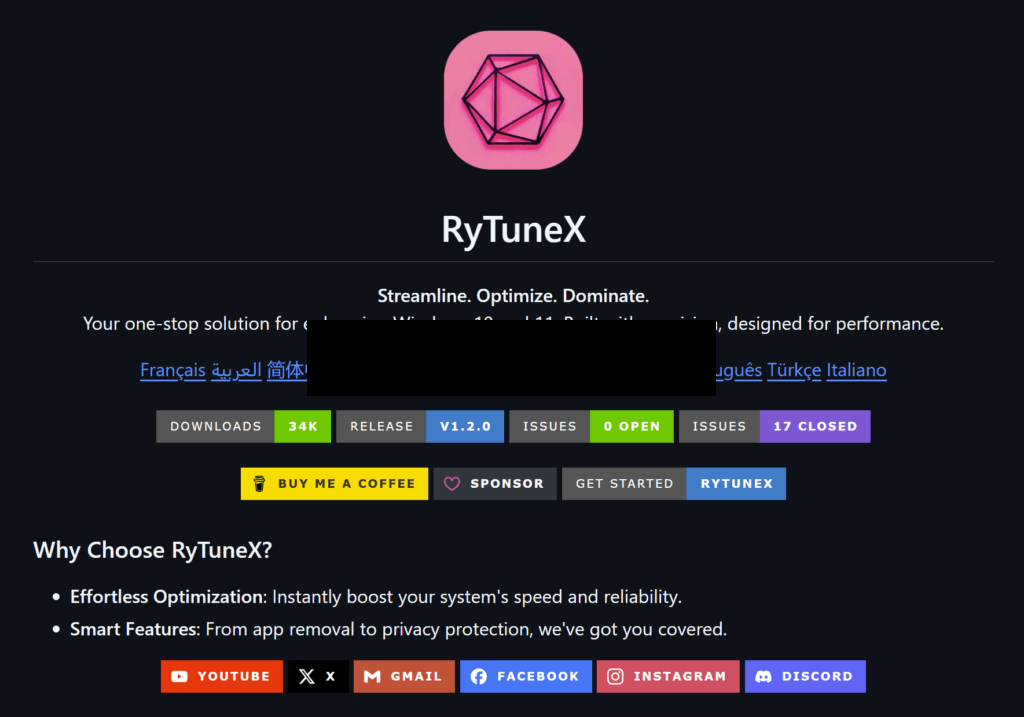
What is RyTuneX?
RyTuneX is an optimization tool designed for Windows systems, available for Windows 10 (20H1 and above) and Windows 11. It uses the WinUI 3 framework and .NET 8 technology to provide a modern and beautiful interface, as well as excellent responsiveness and stability. Whether you're a gamer or an advanced user looking for efficiency, RyTuneX can meet your needs.
Key Features of RyTuneX
- Remove pre-installed apps
Windows systems usually come with many unnecessary applications pre-installed that take up system resources. With RyTuneX, you can easily select and remove these applications to free up storage space and improve system performance. - System Settings Management
RyTuneX provides comprehensive settings management functions, allowing users to adjust system parameters more conveniently. Whether it's privacy settings, startup item management or service optimization, you can do it all in one interface. - performance optimization
For performance seekers, RyTuneX offers professional optimization tools including CPU optimization, memory management and network performance tuning. Whether it's boosting game frame rates or reducing program startup times, RyTuneX can help. - Privacy
In the digital age, privacy is a major concern. RyTuneX has built-in privacy optimization features to help users block unnecessary system tracking and enhance the security of personal information.
Highlights of RyTuneX
- user-friendly interface
The modern interface with WinUI 3 is intuitive and easy to use for all users. - High Performance Architecture
NET 8-based, providing faster response times and lower system resource usage. - Adaptation to the latest systems
Built for Windows 10 and Windows 11, it works seamlessly with the latest system updates.
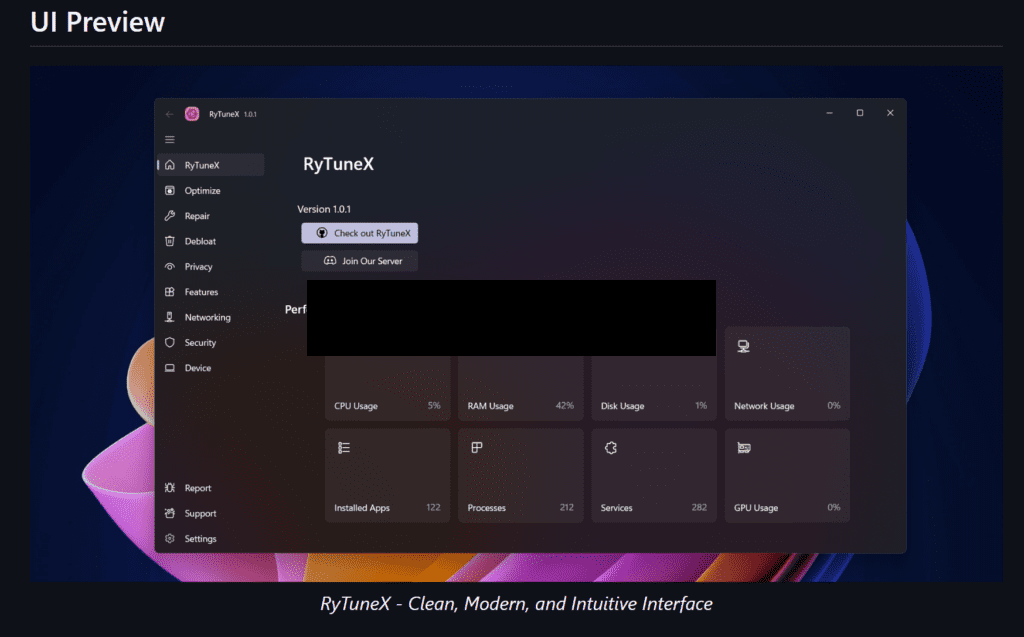
Why choose RyTuneX?
Compared with other system optimization tools, RyTuneX is not only comprehensive, but also focuses on user experience and system stability. It simplifies the complex optimization process into easy-to-understand operations, so that every user can easily control all aspects of the system.RyTuneX optimization tool has become the first choice of the majority of computer users to improve performance and optimize the experience. RyTuneX Optimizer has become the preferred choice for users who want to improve performance and optimize their experience. It not only makes your computer smoother and more efficient in daily use, but also delivers excellent performance when facing high load tasks. Choosing RyTuneX optimization tool is choosing a more efficient, smooth and smart digital life.
concluding remarks
RyTuneX is an indispensable Windows system optimization tool, whether you are a gamer who wants a smoother experience or an advanced user who needs a deeper level of system control, it can meet your needs. If you want your Windows system to be more efficient and your privacy to be more secure, try RyTuneX and let it be your right hand!
Download and experience RyTuneX today and bring a fresh change to your Windows system!https://github.com/rayenghanmi/RyTuneX
Watch the video for a detailed tutorial:https://youtu.be/v9mwfpbmwo8




 Lan Xiaobo (1952-1997), PRC politician Protocol Not Supported The client and server do not support the general SSL protocol version or cipher suite. This error is prompted
  kittyzero Hi, https://www.youtube.com/watch?v=eJUWQqCKfW0 I set it up and the extranet won't go out, not sure why, emailed you, thanks.
  ericjin211 Hi, tried this solution and found that foreign sites going through openclash proxy will not go through adguardhome, what could be the problem 🤔
  666 Tried the copy, no other problems, dns test has Hong Kong and Japan, not sure if it's a leak or not
  Loong2004 Hello, I feel that the program is very good, but the white hand is handicapped, can you have paid remote guidance, thank you!
  Chinese
  English
  Spanish
  French
  German
  Japanese
  Portuguese
  Italian
  Dutch
Dutch