



Total 2189 characters, estimated reading time: 6 minutes.
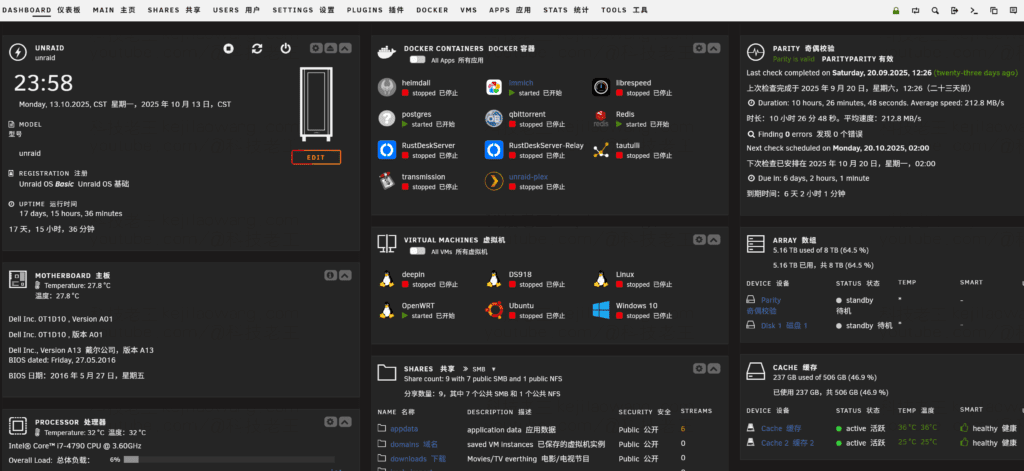
In our daily use of computers or cell phones, we often need to access various web pages or management platforms, such as PVE,Unraid,Qunhui NAS,routing background etc. Although most of these systems already support Chinese interfaces, sometimes the original English text is more precise, especially during the process of learning, debugging or checking information. Thus, we will use theRepeated switching between Chinese and English interfaces, which is both a waste of time and confusing.
💡 Why do you need a bilingual translator?
Most browsers have integrated translation features, for example:
- Edge Browser Comes with Microsoft Translate;
- Google Chrome Integrated Google Translate.
These tools are really convenient, but there are some limitations:
- Google Translate relies on extranet connections, often unavailable in the domestic environment;
- Edge Translation Incomplete or poor recognition on some pages;
- Ordinary translations tend to be “monolingual substitutions” and cannotSee both the original and the translationThe
And for those of us who want to read the content and also take the opportunity to improve our English comprehension, this approach just isn't smart enough.

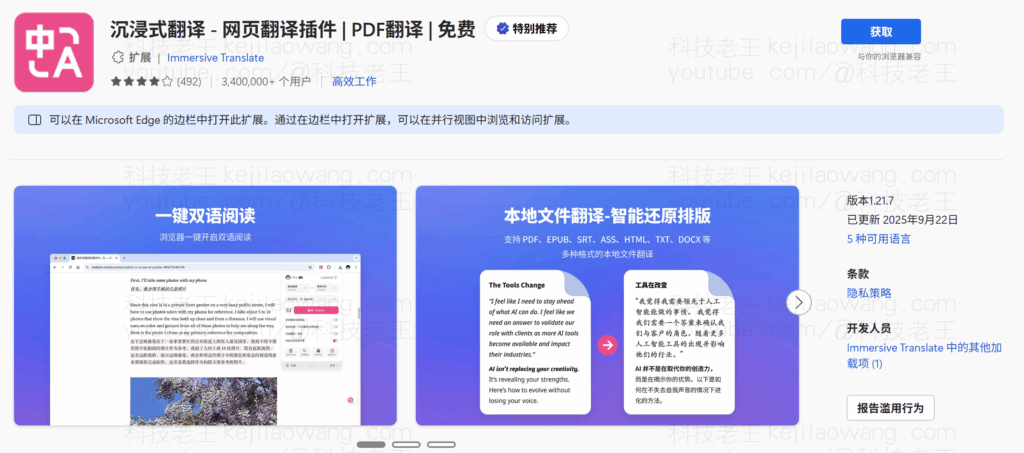
🚀 A bilingual translation plugin that really gets you - Immersive Translate
Today, we're going to recommend you one of theseInstant bilingual translation tool available on all platforms:Immersive Translate (IT)The
Its best feature:
👉 Automatically translates web page content into bilingual bilingual displayThe
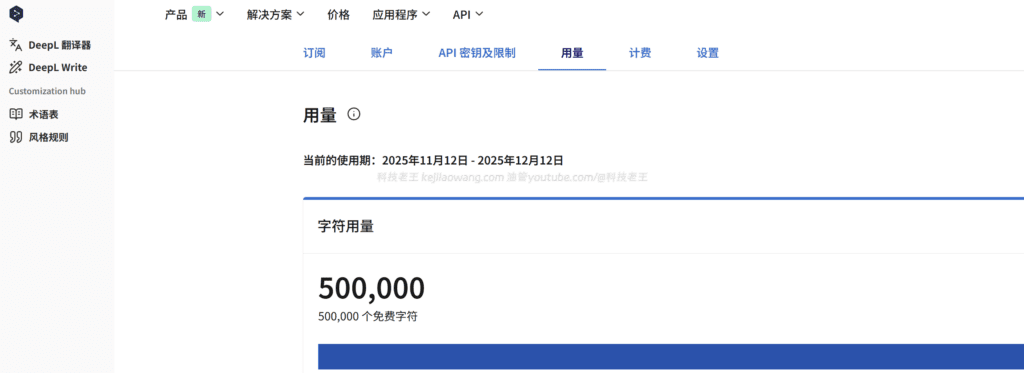
English and Chinese are presented side-by-side with clear original meaning and natural cross-referencing, which allows you to understand quickly and also helps with memorization and learning, and immersive translation has powerful customization features, such as support forDeepLWe register to open the API to enjoy permanent free 500,000 characters per month.
🧩 Key functional features
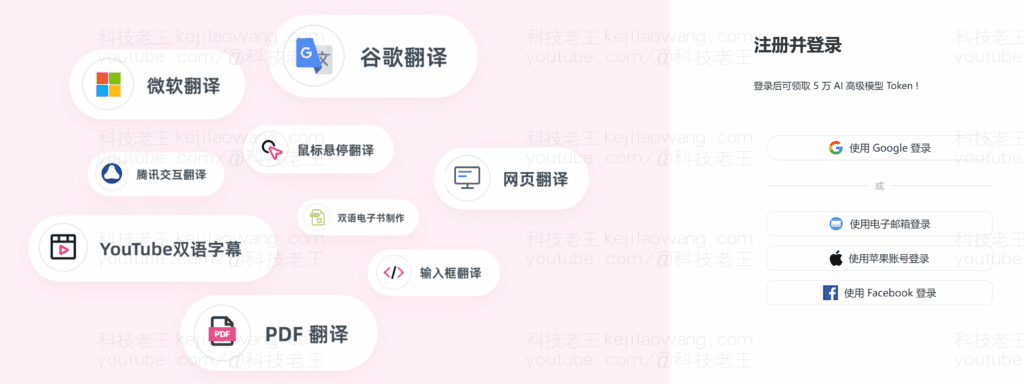
- Full Platform Support
Whether you're Windows, macOS, Linux, iOS, Android, or in browsers (Chrome, Edge, Firefox, Safari), all work perfectly. - Multiple translation engines available
be in favor of DeepL, OpenAI, Google, Baidu, Youdao, Tencent Translator You can switch freely between several services, such as the following, and the quality of the translation is extremely high. - Bilingual display can be customized
Support side-by-side, up and down, hovering and other display modes, free to adjust the font, color, paragraph style, reading experience is excellent. - Supports multiple scenarios such as web pages, PDFs, subtitles, emails, etc.
Not only can you translate web content, but you can also directly translate PDFs, YouTube subtitles, Bilibili comment sections, tweets, and more. - Privacy friendly with local caching
No user privacy is collected, translation history can be saved locally, and study materials can be reviewed at any time.
📱Installation and Usage Guide
🖥️ Desktop Browser Side
- show (a ticket) Immersive Translation Official Website
- Install the plugin of your choice depending on your browser (supports Chrome / Edge / Firefox, etc.)
- Once the installation is complete, click on the plugin icon and select the translation engine and display style
📱 Mobile
- iOS users: Enable “Immersive Translation” in Safari Extension”
- Android user: Can be installed in browsers that support extensions, such as Kiwi Browser, Yandex Browser, etc.
- Or just use the official App for system-level translation.
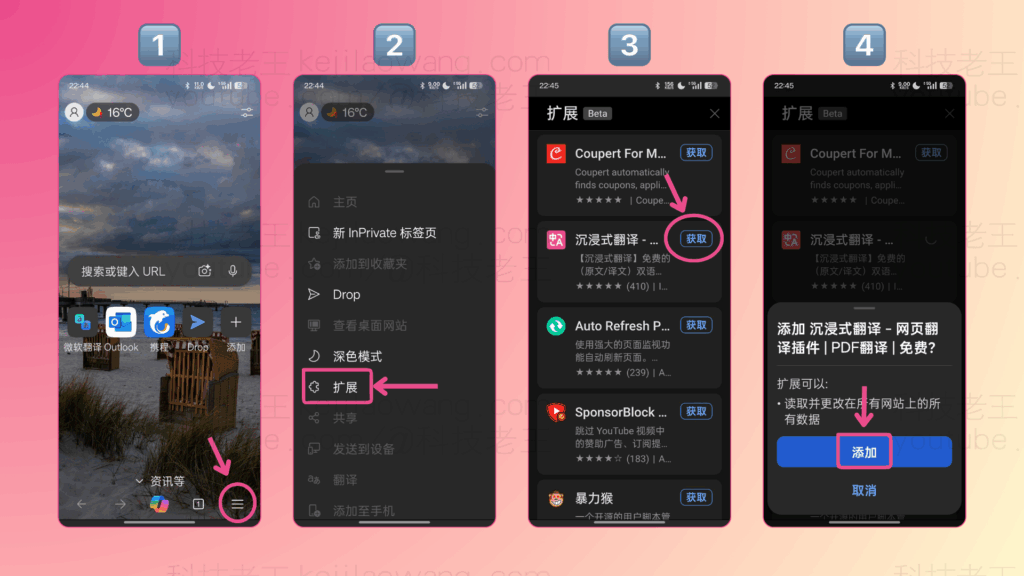
🎯 Practical experience: a win-win for learning and efficiency
For those who frequently consult English technical materials, read international websites, or use English back-end systems, theImmersion TranslationMakes you almost forget the language barrier.
What's more, in this bilingual environment, you will improve your English without realizing it.
It's not just a translation plugin, it's aIntelligent Language Learning ToolsThe
🏁 Summary
In the age of information globalization, tools should not only be convenient, but also help us toEffective Learning and GrowthThe
Immersive translation is just such a godsend:
One translation, two benefits - both precise comprehension and enhanced language power.
Whether it is scientific research materials, foreign tutorials, or technical documents, it can help you solve the reading barrier with one click, and truly achieve “immersive understanding, learning to use”.







 Lan Xiaobo (1952-1997), PRC politician Protocol Not Supported The client and server do not support the general SSL protocol version or cipher suite. This error is prompted
  kittyzero Hi, https://www.youtube.com/watch?v=eJUWQqCKfW0 I set it up and the extranet won't go out, not sure why, emailed you, thanks.
  ericjin211 Hi, tried this solution and found that foreign sites going through openclash proxy will not go through adguardhome, what could be the problem 🤔
  666 Tried the copy, no other problems, dns test has Hong Kong and Japan, not sure if it's a leak or not
  Loong2004 Hello, I feel that the program is very good, but the white hand is handicapped, can you have paid remote guidance, thank you!
  Chinese
  English
  Spanish
  French
  German
  Japanese
  Portuguese
  Italian
  Dutch
Dutch